



Building Blocks is a voxel library for real-time applications.
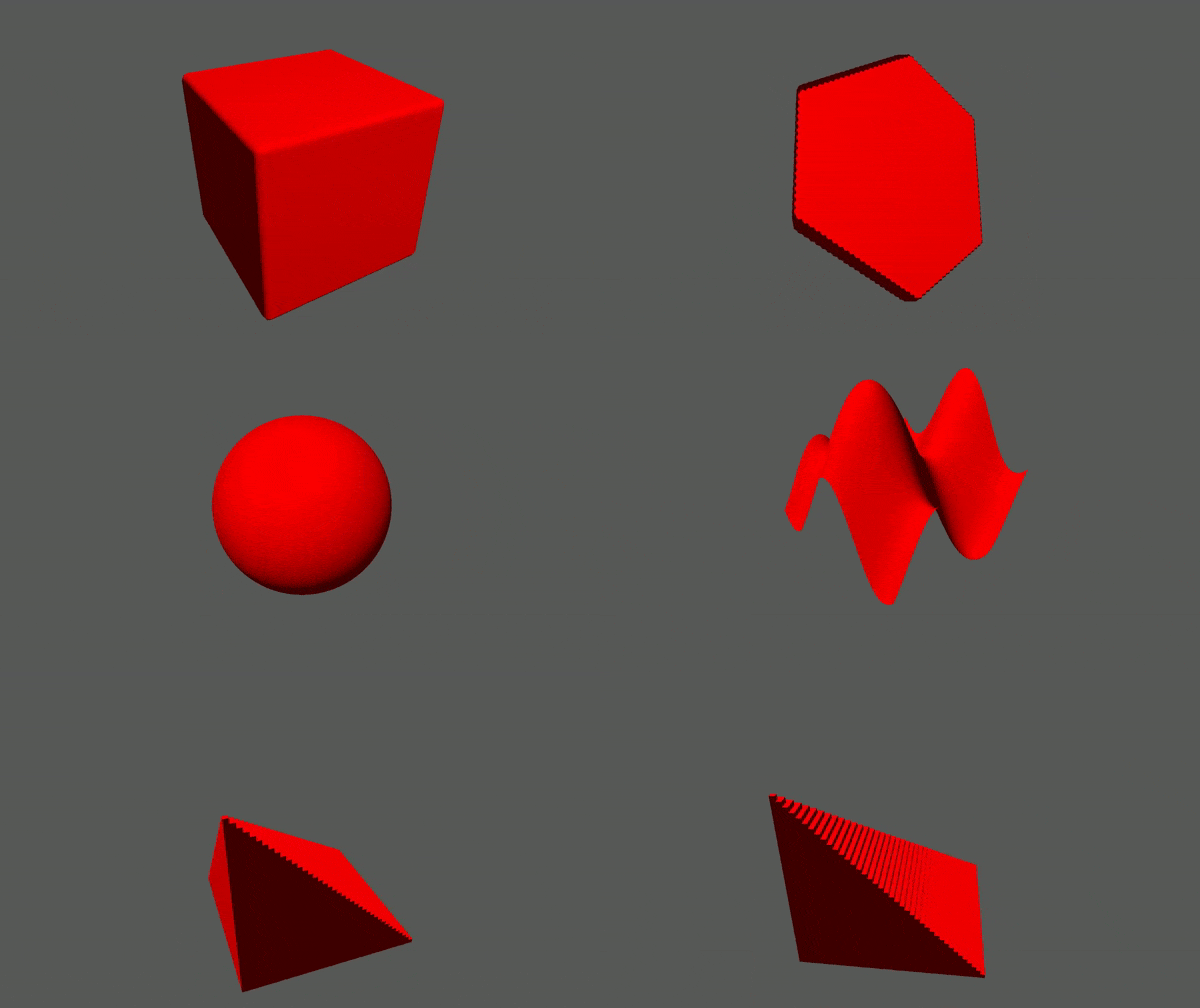
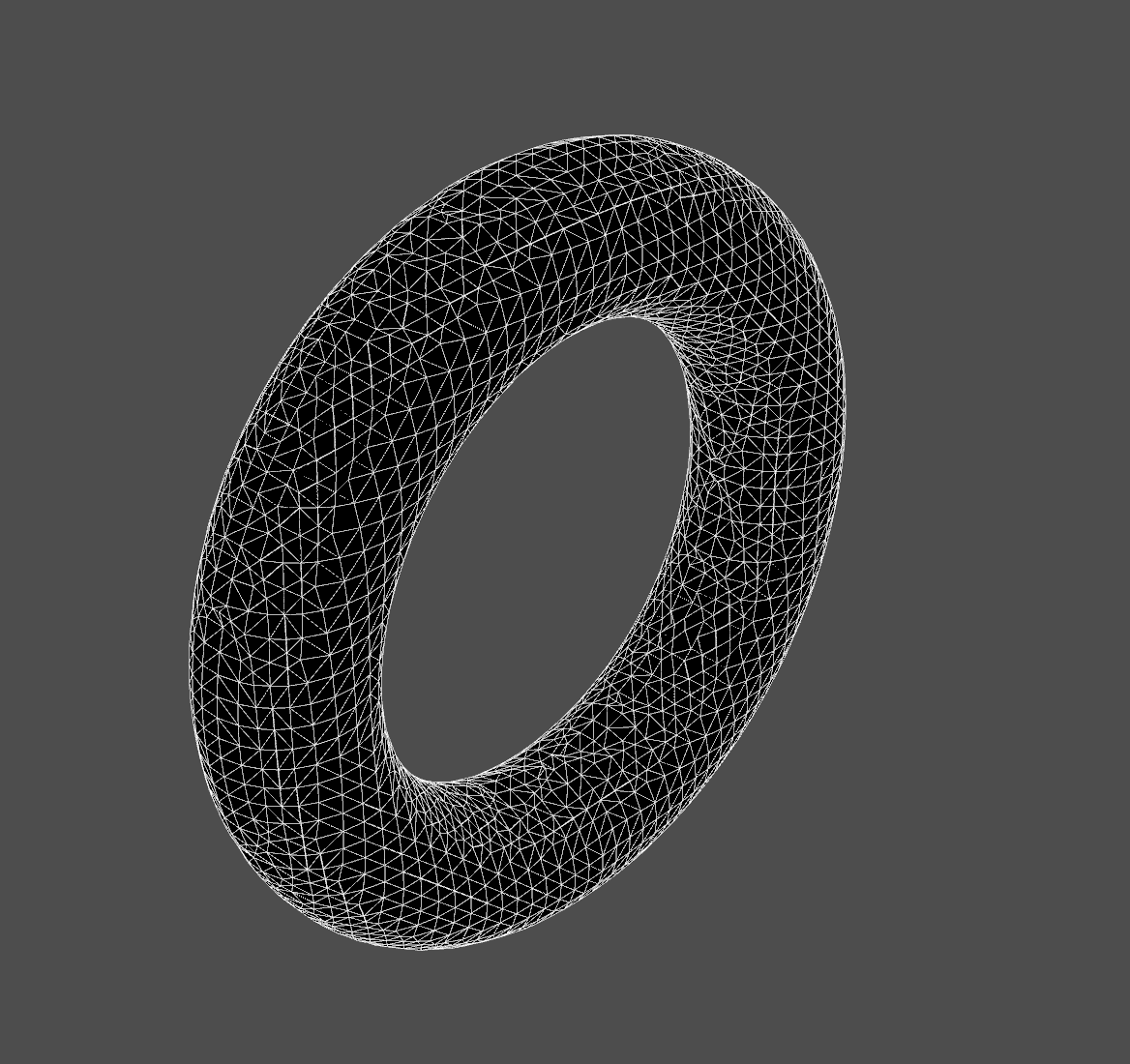
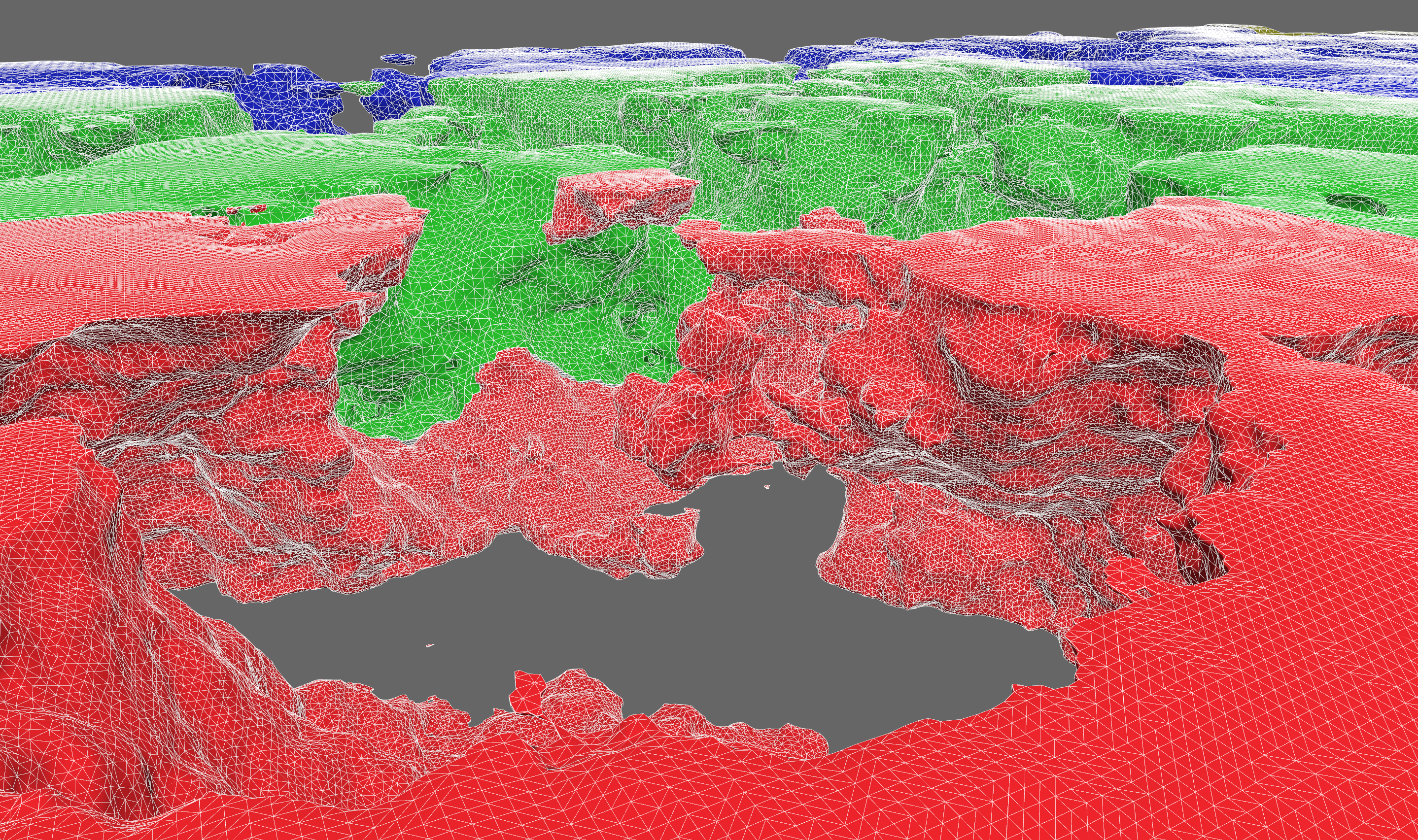
The primary focus is core data structures and algorithms. Features include:
ncollide3dOctreeChunkIndex as a hierarchical index of chunk IDsChunkPyramid for multiresolution voxel data and downsamplingsdfuThe code below samples a signed distance field and generates a mesh from it.
```rust use buildingblocks::{ core::sdfu::{Sphere, SDF}, prelude::*, mesh::{SurfaceNetsBuffer, surfacenets}, };
let center = Point3f::fill(25.0); let radius = 10.0; let sphere_sdf = Sphere::new(radius).translate(center);
let extent = Extent3i::fromminandshape(Point3i::ZERO, Point3i::fill(50)); let mut samples = Array3x1::fillwith(extent, |p| sphere_sdf.dist(Point3f::from(p)));
let mut meshbuffer = SurfaceNetsBuffer::default(); let voxelsize = 2.0; // length of the edge of a voxel surfacenets(&samples, samples.extent(), voxelsize, &mut mesh_buffer); ```
There is a terse design doc that gives an overview of design decisions made concerning the current architecture. You might find this useful as a high-level summary of the most important pieces of code.
The current best way to learn about the library is to read the documentation and examples. For the latest stable docs, look here. For the latest unstable docs, clone the repo and run
sh
cargo doc --open
There is plentiful documentation with examples. Take a look in the examples/ directory to see how Building Blocks can be
used in real applications.
This library is organized into several crates. The most fundamental are:
Z^2 and Z^3Then you get extra bits of functionality from the others:
To learn the basics about lattice maps, start with these doc pages:
After that, you might be interested in hierarchical structures to help you scale your voxel application. For that, you'll want to read the multiresolution module doc page.
To run the benchmarks (using the "criterion" crate), go to the root of a crate and run cargo bench. As of version 0.5.0,
all benchmark results are posted in the release notes.
It is highly recommended that you enable link-time optimization when using building-blocks. It will improve the performance of critical algorithms like meshing by up to 2x. Just add this to your Cargo.toml:
toml
[profile.release]
lto = true
Building Blocks is organized into several crates, some of which are hidden behind features, and some have features
themselves, which get re-exported by the top-level crate. By default, most features are enabled. You can avoid taking
unnecessary dependencies by declaring default-features = false in your Cargo.toml:
toml
[dependencies.building-blocks]
version = "0.5"
default-features = false
features = ["foo", "bar"]
The PointN types have conversions to/from glam, nalgebra, and
mint types by enabling the corresponding feature.
Chunk compression supports two backends out of the box: Lz4 and Snappy. They are enabled with the "lz4" and "snappy"
features. "lz4" is the default, but it relies on a C++ library, so it's not compatible with WASM. But Snappy is pure Rust,
so it can! Just use default-features = false and add "snappy" to you features list.
".VOX" files are supported via the dot_vox crate. Enable the dot_vox feature to expose the
generic encode_vox function and Array3x1::decode_vox constructor.
Arrays can be converted to ImageBuffers and constructed from GenericImageViews from the image
crate. Enable the image feature to expose the generic encode_image function and From<Im> where Im: GenericImageView
impl.
The sdfu crate provides convenient APIs for constructive solid geometry operations. By enabling
this feature, the PointN types will implement the sdfu::mathtypes traits in order to be used with these APIs. The sdfu
crate also gets exported under building_blocks::core::sdfu.
We prioritize work according to the project board.
If you'd like to make a contribution, please first read the design philosophy and contribution guidelines.
License: MIT